EVERYDAY REDIRECTS. MORE CONTROL WITH PRO.

WordPress redirects.In your control.

Fix changed links with Free. Use Pro to investigate missing pages, review repairs, schedule redirects and plan migrations.

Try Pro demo Sample data · No installation
Download Free WordPress ZIP · No account
YOUR REDIRECTS, INSIDE WORDPRESSFREE 0.10.5
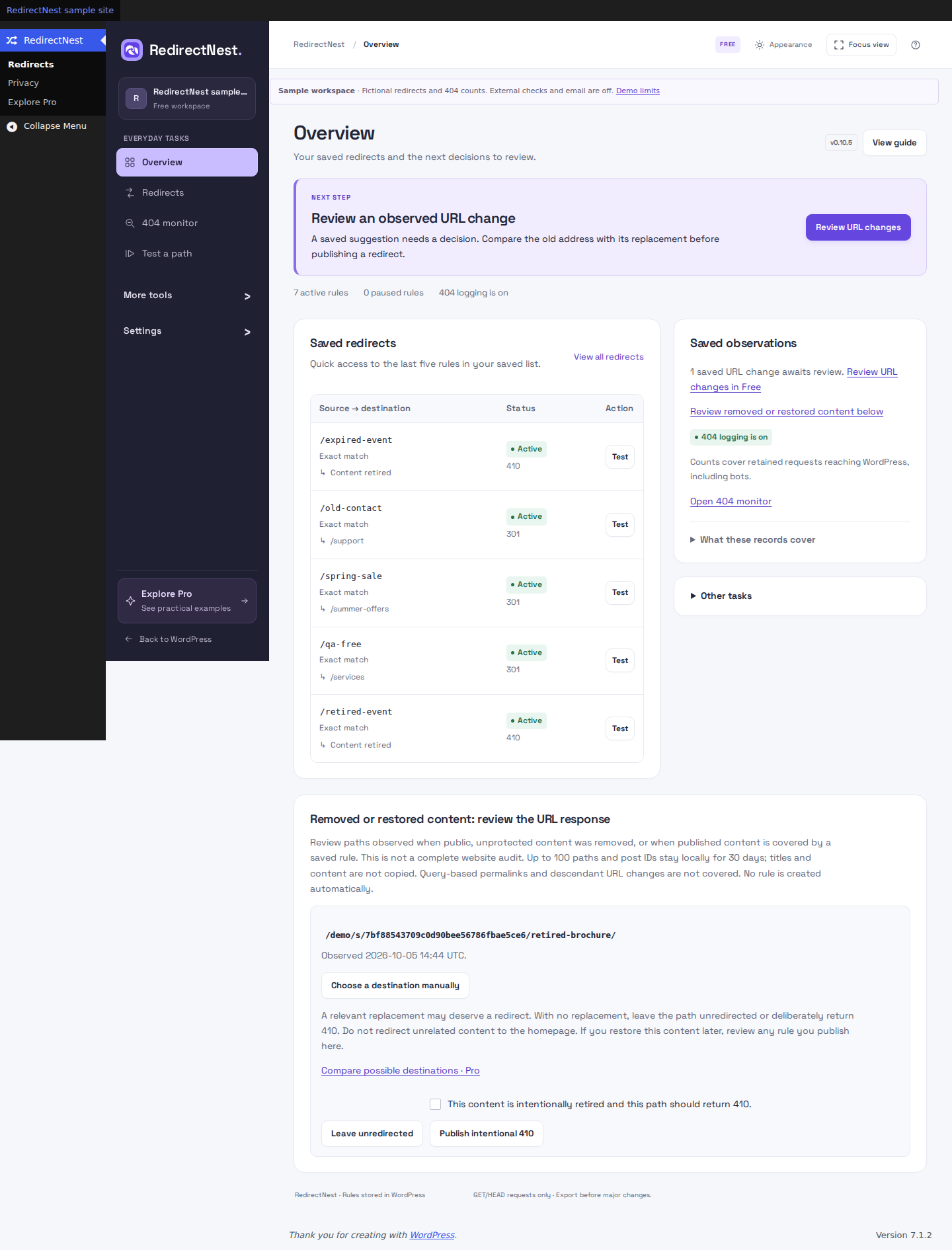
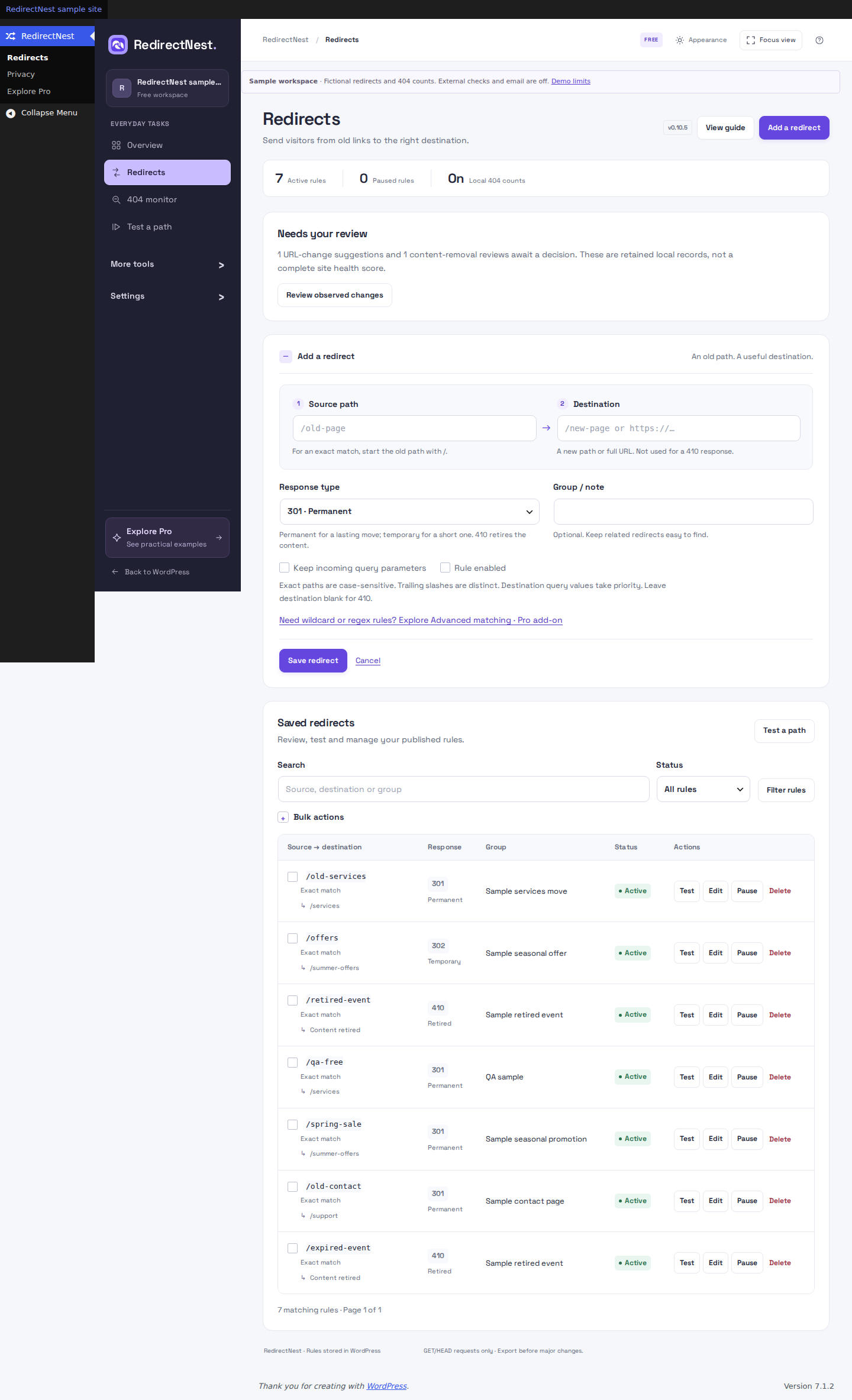
FREE Actual RedirectNest Free 0.10.5 in WordPress: the Add a redirect form, exact-path help and contextual Advanced matching link. Browse plugin screenshots
Actual plugin · Sample dataSee Free & Pro screens
Runs inside WordPressExport your redirect rulesRestore retained rule snapshotsFree 1.1.2 / Pro 1.1.2

CHOOSE BY THE JOB YOU NEED TO DO

Choose your toolkit.

Free for everyday changes. Pro for reviewed repairs, advanced rules, ongoing care and migrations.

REDIRECTNEST FREE

Everyday redirects.

Fix changed links, retire pages and tidy up existing rules.

Included features
  • Create exact redirects and intentional 410 responses.
  • Preview supported imports and export your rules.
  • Test matches, bulk enable/pause/delete, and restore retained snapshots.
  • Review deleted pages and use optional local hit/404 counts.

Free to use. No trial deadline.

REDIRECTNEST PRO

More control, every day.

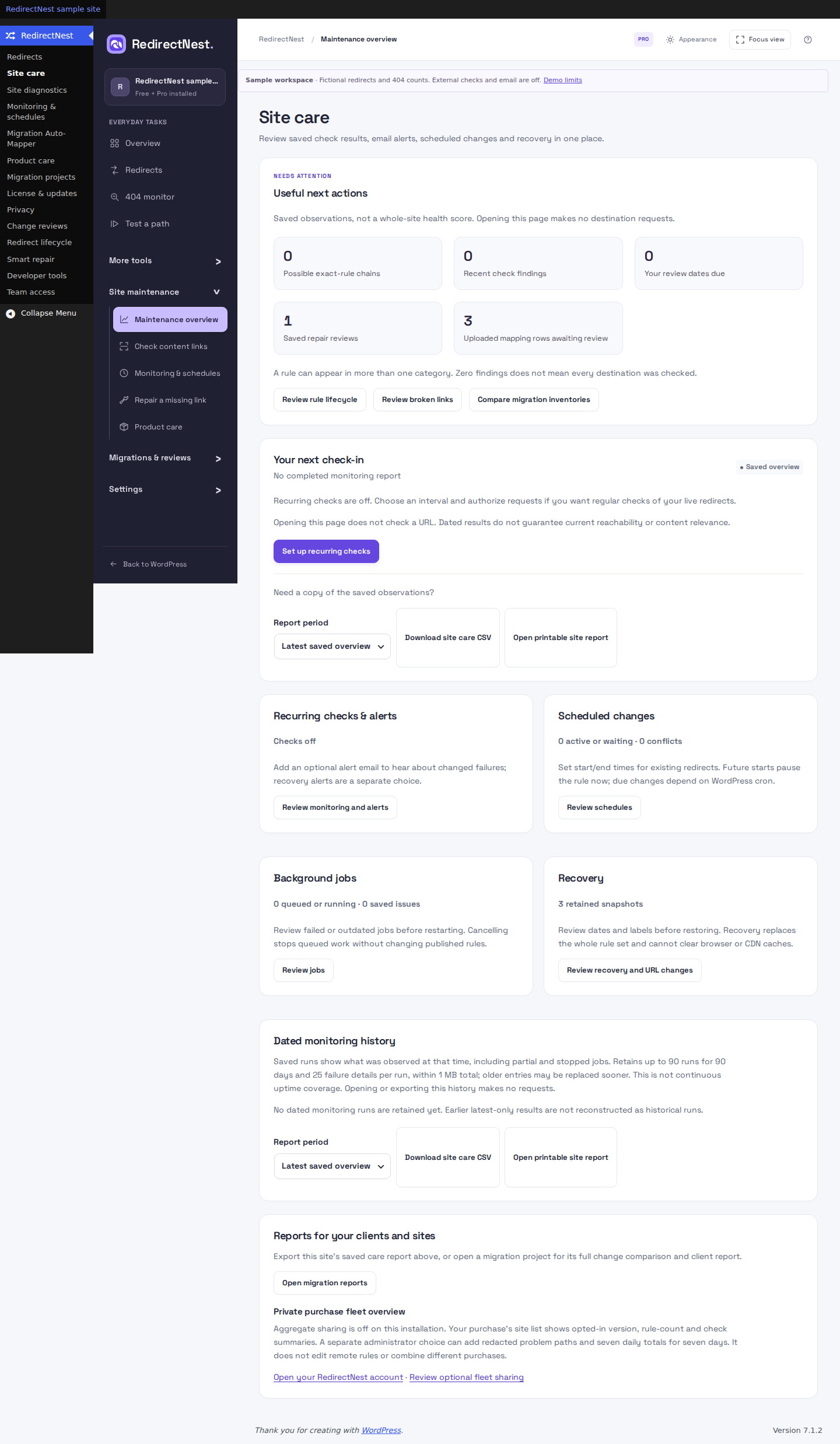
Find broken links, review a repair and keep important destinations checked.

Included features
  • Use wildcard, bounded regex and request conditions.
  • Schedule rules and monitor important redirects.
  • Review 404 repairs, map migrations and export dated client reports.

From $79 USD/year. All Pro tools.

Free includes local logging controls. The current workspace groups everyday tasks in a clear sidebar, with a guided first redirect, searchable missing paths and import-fit summaries. Pro adds continuing content scans, retained care reports and reviewed migration decisions. One Explore Pro entry explains the separate add-on with labelled practice examples. Advanced matching lives in the separate Pro add-on, which must remain active to run advanced rules. Compare the full feature list.

PAID PLANS · THE SAME PRO TOOLS

Choose your site allowance.

Start with 1 production site. Larger plans cover more production sites.

PRO · ANNUAL

$79 USD / year

1 production site. Renews annually until cancelled. Download, update and support access follows the paid term.

View annual plans

Prices shown in USD exclude VAT. Applicable VAT is added at checkout. See all site allowances and supported currencies. The tax breakdown and final total are shown at checkout. Read the purchase terms.

PRO · EVERYDAY EXAMPLES

One rule for a folder.
A schedule for an offer.

Two common jobs to explore with sample data. Try either example before you install.

WILDCARD MATCHING

Keep the path. Change the folder.

Moving your shop URLs? Capture the path after /old-shop/ and reuse it under /shop/.

Example rule · 301/old-shop/* /shop/$1
Matches
/old-shop/shoes → /shop/shoes
Also matches
/old-shop/sale/boots → /shop/sale/boots
No match
/blog/shoes stays outside this rule.
RULE SCHEDULES

Give an offer a start and an end.

Send an existing offer link to your sale page for one planned window, then retain the paused rule.

Example rule · 302/weekend-offer /sale
  1. BeforeRule paused
  2. During302 to /sale
  3. AfterRule paused

After saving a future start, the rule is paused until due. Times use your site's timezone; WordPress cron can run late. A paused rule stays saved.

Illustrative paths and outcomes. The demos use sample data and do not change your WordPress site.

THE PRO MIGRATION WORKFLOW

Map the change.
Check the result.

Read the migration guide
  1. Plan your URLs.

    Import a mapping, or compare two XML sitemaps with Auto-Mapper. Choose each destination and review the resulting draft.

  2. Check destinations.

    Find missing pages and unresolved results before you publish. Correct the mapping and check again.

  3. Publish the rules.

    Apply the reviewed redirect rules together. Retain the previous rule set for recovery.

  4. Verify and hand over.

    Check live responses and export a dated report, including anything that still needs attention.

This workflow manages URL redirects. Your WordPress files, database and hosting stay with your existing migration process.

BEFORE YOU INSTALL

Questions before
your first redirect.

The essentials about editions, imports, installation and ongoing access.

Is Free a trial?

No. Free is a standalone plugin with no trial deadline, subscription or customer account. It includes exact redirects, supported imports, bulk enable/pause/delete, deletion reviews, retained-rule recovery and optional basic hit/404 counts.

When do I need Pro?

Use Pro when one rule needs to cover many paths, a redirect should start or end on a schedule, or important links need recurring checks. It also includes reviewed 404 repairs, local URL mapping, lifecycle reviews, supported internal-link cleanup and client reports. For a fresh installation, install Free first, then add Pro. Every Pro plan includes the same tools; the site allowance differs. Compare Free & Pro.

Does RedirectNest move my website’s files?

RedirectNest manages URL redirect rules. Use your existing hosting or migration tools to move WordPress files and databases. A retained rule snapshot restores RedirectNest rules; it does not restore website content or clear cached redirects.

Can I import my existing redirects?

Free imports native basic CSV and supported basic Redirection JSON conversions after review. Advanced rules and Rank Math’s trailing-slash matching require Pro. Simple 301 exports need manual conversion. Competitor matching can differ, so preview the file and test the intended paths before switching. Check supported import formats.

What happens if I stop renewing Pro?

After successful activation, installed Pro features keep working on that site after ordinary subscription expiry, including during a service outage. Renew for new downloads, updates and new site activations. Refunds, disputes, site releases and explicit revocation are separate. Existing redirects, export and recovery remain available. Read the full purchase terms.

Does the demo change my website?

No. The demo opens an isolated, temporary WordPress site running the 0.10.5 plugins with sample data. It does not connect to your website. External checks, email, license and account connections, and scheduled execution are disabled. Sessions last up to 30 minutes.

How do I install the plugin or get help?

Download Free, then follow the installation guide. For an existing pair, update Pro first, then Free, without uninstalling. For a fresh pair, install Free first, then Pro. Free 1.1.2 and Pro 1.1.2 are the current release. The support hub lists the contact options currently available.

A CLEAR NEXT STEP

Set up. Make a change.
Get help when you need it.

Browse all guides

START WITH THE JOB IN FRONT OF YOU

One link.
Or a whole set of rules.

Start with Free for everyday fixes. Explore Pro for reviewed repairs, patterns, schedules and migrations.