
WordPress redirects
RedirectNest Pro: Folder Redirects When Some Pages Must Stay
Separate shared folder moves, renamed destinations and retained pages, then choose and test a redirect plan that does not hide content meant to stay.

Published Updated
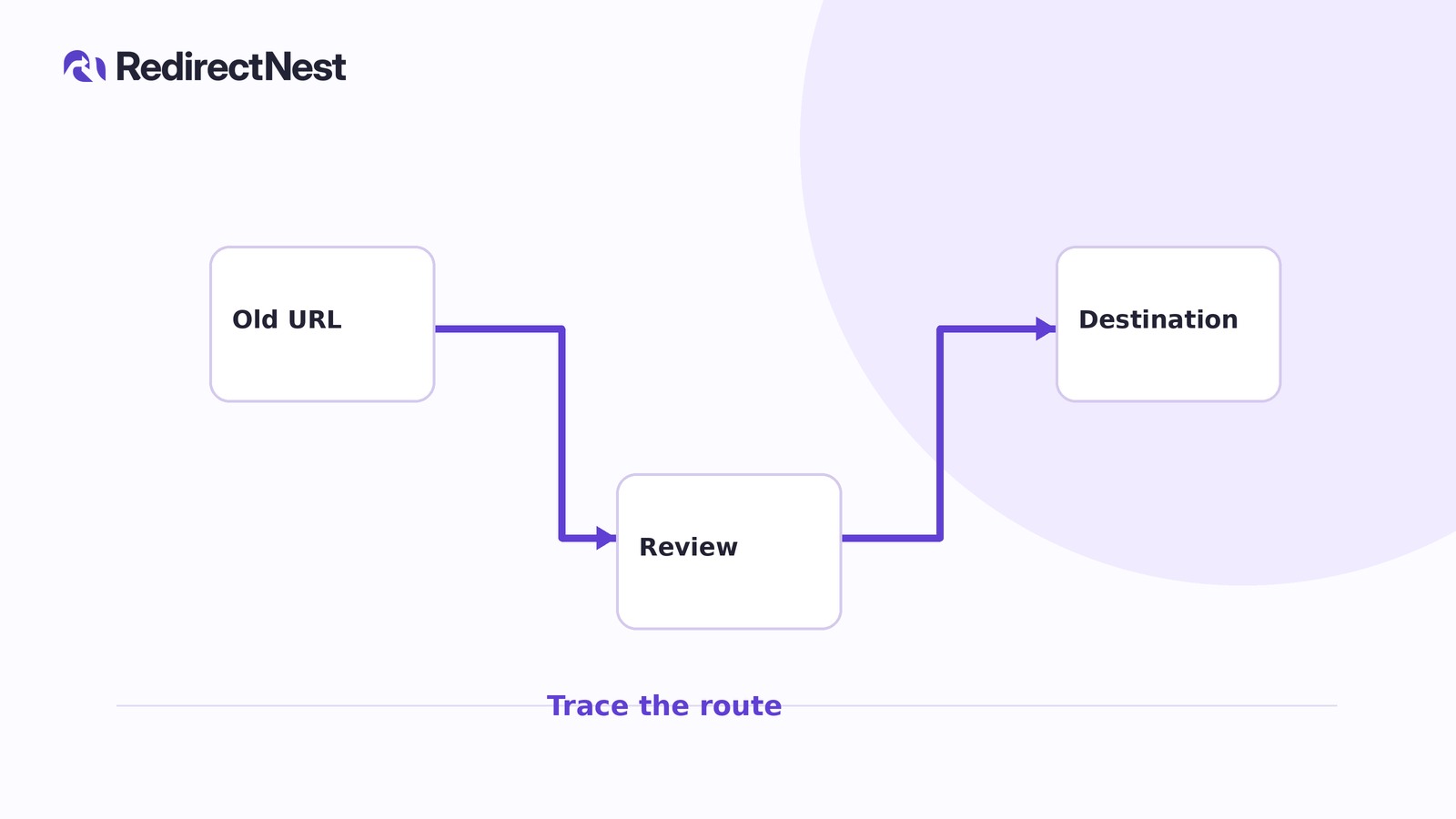
Use a folder wildcard only when its entire scope can move. RedirectNest Pro can give a renamed page a higher-priority exact destination, but priority alone cannot exempt a page that must stay. For mixed folders, narrower patterns or ordinary exact rules may be the better fit.
Record the move before choosing a pattern
Consider a hypothetical reorganization within one WordPress site. Record each old path, intended outcome and proposed rule:
- Shared move: /resources/tutorials/install moves permanently to /learn/install; candidate wildcard with a preserved suffix.
- Different destination: /resources/tutorials/legacy-install moves permanently to /support/legacy-install; exact destination exception.
- Stay put: /resources/policies remains available; no new rule.
Assume the replacement pages exist and someone has reviewed their content. Matching suffixes do not prove equivalent content. The plugin cannot create replacement pages or make that editorial decision.
Rehearse the candidate only on staging
Assess the scope before installing anything. Before configuring rules, keep an independent database and file backup, export existing rules and work on staging.
For the Pro candidate, use Free and Pro 1.1.2 with WordPress 6.7+ and PHP 8.1+. Install a fresh pair Free first, then Pro, and complete Pro site activation. Update an existing pair Pro first, then Free without uninstalling. The installation guide covers both routes. The exact-only alternative below needs only Free.
Open RedirectNest → Redirects → Add a redirect. Configure these hypothetical 301 rules, setting their match types and priorities under Matching options. Leave Ignore path case unchecked:
- Exact path: /resources/tutorials/legacy-install → /support/legacy-install, priority 10.
- **Wildcard (* captures):** /resources/tutorials/* → /learn/$1, priority 20.
The numbers are illustrative: lower priorities run first, so the exact exception takes precedence. The wildcard captures the remaining path, including nested suffixes, and $1 inserts it into the destination.
Saving an enabled rule publishes it immediately. Keep this rehearsal on staging. Changing a rule does not necessarily clear an earlier 301 from browser or CDN caches.
Two scope probes are /resources/tutorials/advanced/cache → /learn/advanced/cache and /resources/tutorials/unlisted → /learn/unlisted. These are hypothetical matches, not approved moves. Their destinations could be missing or unsuitable: an inventory does not restrict what a wildcard matches, and representative tests cannot prove every possible destination works.
A retained page changes the decision
Now the content owner identifies /resources/tutorials/reference-notes as another page that must stay.
TRY THE SCENARIOS
What changes as exceptions are discovered?
Hypothetical candidates with reviewed destinations for the two named moves; these outcomes illustrate rule scope, not checks on your site.
One page needs a different destination
The higher-priority exact rule sends legacy-install to /support/legacy-install instead of the wildcard's /learn/legacy-install destination.
A page inside the prefix must stay
The wildcard also catches /resources/tutorials/reference-notes and maps it to /learn/reference-notes, contradicting the decision to retain it.
Only the named moves receive exact rules
Removing the wildcard and using ordinary exact redirects limits the plan to the two approved moves. The retained pages receive no new rule.
Compare all scenarios
| Situation | What happens |
|---|---|
| One page needs a different destination | The higher-priority exact rule sends legacy-install to /support/legacy-install instead of the wildcard's /learn/legacy-install destination. |
| A page inside the prefix must stay | The wildcard also catches /resources/tutorials/reference-notes and maps it to /learn/reference-notes, contradicting the decision to retain it. |
| Only the named moves receive exact rules | Removing the wildcard and using ordinary exact redirects limits the plan to the two approved moves. The retained pages receive no new rule. |
Illustrative examples. Your selection is not saved or sent, and changes no store settings.
For the completed example, choose the exact-only plan and remove the candidate wildcard on staging. Edit the existing legacy-install rule back to ordinary exact defaults, with default priority and no other advanced options; do not add a duplicate source. Add an ordinary exact 301 rule for install → /learn/install. Free can implement this two-rule plan.
Do not redirect reference-notes back to itself. A self-redirect is not a way to serve the original page.
Complete the scope record:
- Retained page: /resources/tutorials/reference-notes stays available; no new rule.
- Folder root without slash: /resources/tutorials retains the section index; no new rule.
- Folder root with slash: /resources/tutorials/ retains the section index; no new rule. Existing slash canonicalization is acceptable, but moving the index to /learn is not.
A narrower wildcard is another option if a whole branch genuinely moves. For example, /resources/tutorials/getting-started/* → /learn/getting-started/$1 leaves reference-notes outside its scope. It does not cover /resources/tutorials/install, which still needs its own mapping.
Test the exact-only plan locally and on staging
For this example, select Keep incoming query parameters on both exact rules. Query preservation carries values forward; it is separate from query conditions that trigger a rule, which require Pro.
After saving, open a rule's Test link and choose Test. Opening the link alone does not run a test. Local evaluation makes no HTTP request.
For the completed two-rule plan, expect:
- /resources/tutorials/install maps to /learn/install with 301.
- /resources/tutorials/legacy-install maps to /support/legacy-install with 301.
- /resources/tutorials/install?ref=guide maps to /learn/install?ref=guide, preserving this non-sensitive parameter.
- /resources/policies, /resources/tutorials/reference-notes and both recorded folder-root forms have no match from these rules.
- /resources/tutorials/install/, /resources/tutorials/Install and /resources/tutorials/%69nstall have no match from these rules: slash, case and literal encoded-path differences matter.
No match from this plan is not a guaranteed live response. Other saved rules may act, and servers or WordPress may normalize URLs differently.
Next, request the actual staging URLs. Inspect the first response, redirect chain, final URL and content. Confirm the two moves reach their reviewed pages, the harmless query survives, and retained pages remain accessible. Investigate loops, unwanted extra hops and unexpected canonical redirects.
The plugin handles only GET/HEAD requests reaching WordPress. CDN or server rules, caches and other plugins require separate investigation when live behavior differs from local evaluation.
Publish only the chosen scope
Both editions share a 5,000-rule limit, including at most 200 advanced rules. Advanced redirects require compatible Pro to remain installed and active. Removing or deactivating it preserves those rules but stops their matching; restoring compatible Pro resumes them.
Complete your scope record, test every recorded move and retained URL, and enable only the chosen plan on production. Repeat the real URL checks afterward. Use the matching guide for field-level setup if your reviewed scope supports a wildcard; otherwise keep the ordinary exact-rule plan.
KEEP THE NEXT STEP SIMPLE
See how RedirectNest fits.
Compare the editions, explore the workflow and choose what your website needs.