
Website Maintenance
Your Printed QR Code Leads to a 404. Do You Need to Reprint?
Read the URL inside a distributed QR code, find who controls the failing step and decide whether to restore the journey or correct the printed materials.

Published
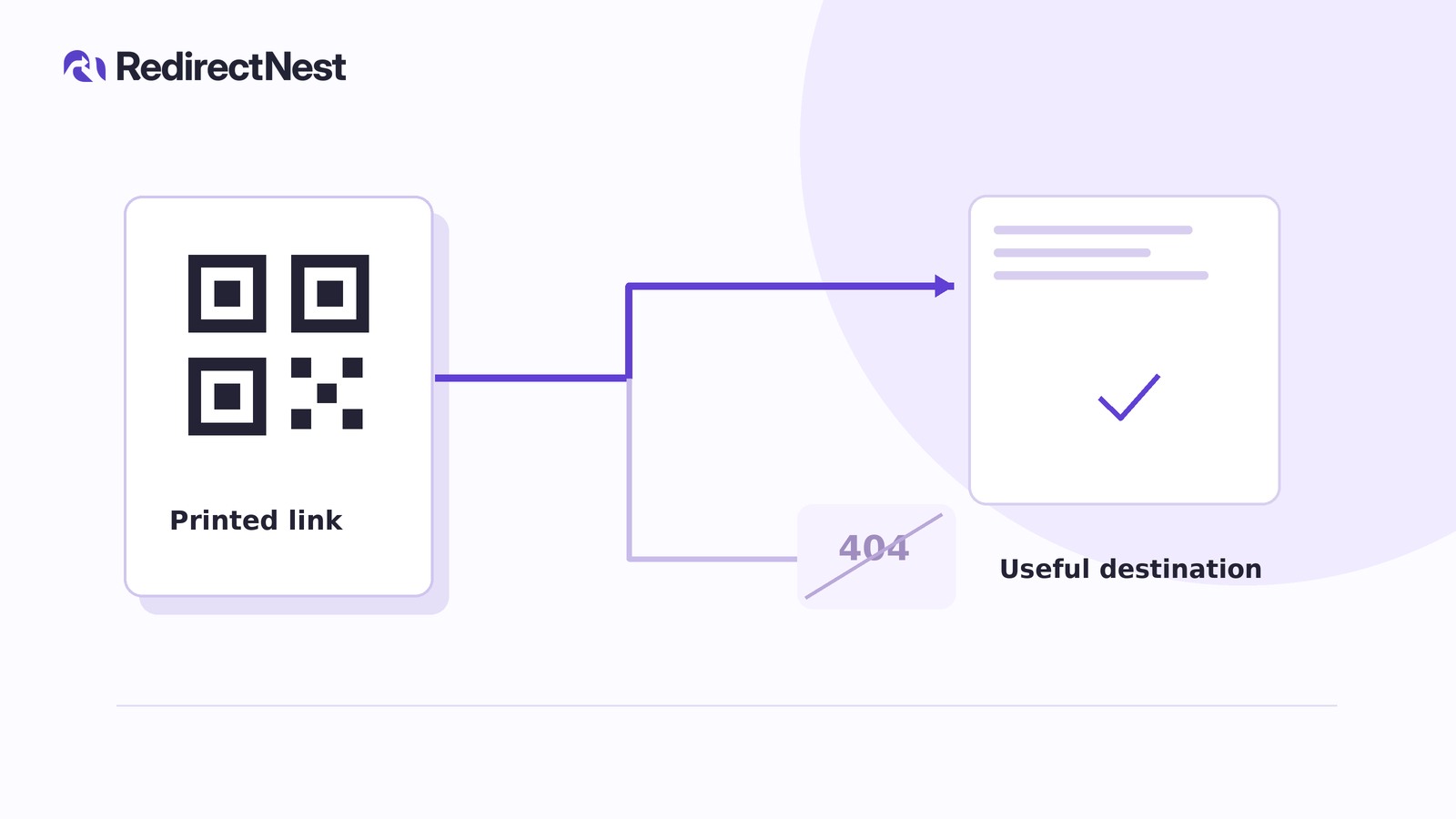
Not necessarily. You may not need to reprint if an authorized repair can make the unchanged URL stored in the code reach an appropriate page. Misleading printed wording may still need correction even when the link works.
Start with a distributed copy, not the campaign file your team remembers. This diagnosis assumes successful scanning; damaged codes and print-quality problems are outside scope.
Read the URL from an actual printed copy
Scan a leaflet with a trusted reader that displays the complete encoded URL, not just a shortened preview. Copy it privately, preserving the protocol, hostname, path, capitalization, trailing slash, query parameters and any fragment. Do not correct spelling or change encoded characters before testing.
Avoid unfamiliar online decoders or redirect checkers: URLs can contain private information. Redact sensitive values from shared screenshots and support notes.
Editing a campaign document or generating a new QR image cannot change copies already printed.
Find the first failing step
Compare the encoded address with the browser’s final address. A short-link service may forward the scan elsewhere; a branded hostname does not prove WordPress controls it.
Ask your maintainer to trace the original URL. In a desktop browser’s Network panel, they can enable Preserve log, open that exact address and inspect the document requests. Record each response, redirect destination and responsible system.
A “not found” page does not prove an HTTP 404; inspect the actual status. If the hostname does not resolve or a certificate warning appears, involve the domain or hosting administrator. Do not bypass certificate warnings.
A hypothetical repair decision
Assume go.example/leaflet forwards to shop.example/open-day/, which reaches the business’s WordPress site but returns 404. The campaign has permanently moved to /events/open-day/, and the replacement still fulfills the leaflet’s promise.
The website owner could approve an exact 301 redirect from /open-day/ to /events/open-day/. The printed address stays unchanged. This is a hypothetical plan, not a successful test: the original printed code must still be checked on a phone after repair.
Choose the repair where you have control
Back up the affected content or configuration. Prepare changes on staging—a non-live test copy of the site—where possible. Keep publishing-disabled controls in place until the responsible owner authorizes publication.
The intended page was accidentally removed
The content owner should inspect WordPress content, Trash and available backups. Restore the correct page if it should still exist, but review dates and terms first; restoration must not accidentally revive an expired offer.
If the page already exists, have the maintainer investigate publication settings, routing and conflicting redirects instead of adding another rule.
The campaign content genuinely moved
Compare the replacement with the printed promise. A working homepage is not automatically a useful replacement for booking information or a specific offer.
Use a reviewed 301 redirect for a permanent move or a 302 for a genuinely temporary move. Preserve the previous configuration, but remember that permanent responses can remain cached outside WordPress.
If /offers?campaign=spring and /offers?campaign=summer share a path, a path-only rule cannot isolate spring. Preserving query parameters controls what reaches the destination; matching query conditions controls which requests trigger the redirect. Do not publish a broad rule until its effect on the other campaign is understood.
For a moved path reaching WordPress, RedirectNest Free optionally provides exact redirects, incoming-query preservation and local rule testing. Exact paths are case-sensitive and trailing slashes distinct by default; query conditions require the separate, compatible Pro add-on to be installed and active. The first-redirect guide explains setup. The plugin handles only GET/HEAD requests reaching WordPress. Its local tester makes no HTTP request and cannot verify the complete QR journey; content restoration and upstream repairs remain separate work.
A short-link service controls the route
The authorized account owner should check whether the provider permits editing or restoring the existing link. If supported, preserve the printed short address and point it to an approved, relevant page.
Creating a different short link will not repair the printed one. If access or recovery is unavailable, escalate to the provider rather than assuming WordPress can help.
The failure occurs before WordPress
Give the domain, hosting or CDN administrator the original address, observed error and test time. They must investigate the failing layer. A WordPress redirect cannot repair a request that never reaches WordPress.
When the materials need correction
If no authorized operator can restore or reroute the unchanged printed URL, record why. Correct or replace materials you can retrieve, and communicate a working address through existing channels. New print cannot repair old copies still circulating.
Routing and wording are separate decisions. An expired-offer page can explain the expiry and provide a relevant next step, but it should not silently substitute a different offer. Misleading print may need correction even after routing works.
Verify the original print, not just the new page
After the approved repair, scan the same physical code on a phone while signed out. Test on mobile data as well as your usual network where practical. If results differ, ask the maintainer to inspect caches and routing rather than adding competing redirects.
Inspect the actual response chain for errors, loops and unexpected hostname, path or trailing-slash changes. Test required query values rather than assuming they survive. Read the destination on the phone and try its intended next step. Confirm that it accurately addresses the printed promise, including any expiry.
Give the owner a private record of the unchanged encoded URL, failing step, responsible operator, approved decision and dated phone-test result. If recovery is unavailable, document why and which materials need correction. Leave untested routes and unresolved errors clearly marked rather than treating a saved redirect as proof of recovery.
KEEP THE NEXT STEP SIMPLE
See how RedirectNest fits.
Compare the editions, explore the workflow and choose what your website needs.