
Business Changes
Stop Out-of-Area Bookings When Your Service Area Shrinks
Apply an effective-dated coverage rule to forms, embeds and direct booking links, then verify every route while handling accepted appointments separately.

Published
Start with a directly shared booking link, not just your location pages. Using a provider-approved safe test method, check whether an address excluded by the rule now in effect can still receive confirmation. If it can, have the booking-account owner suspend new automatic confirmations while that route is repaired.
Page edits and redirects cannot enforce booking eligibility. Apply the rule wherever appointments are accepted, and handle already accepted appointments separately.
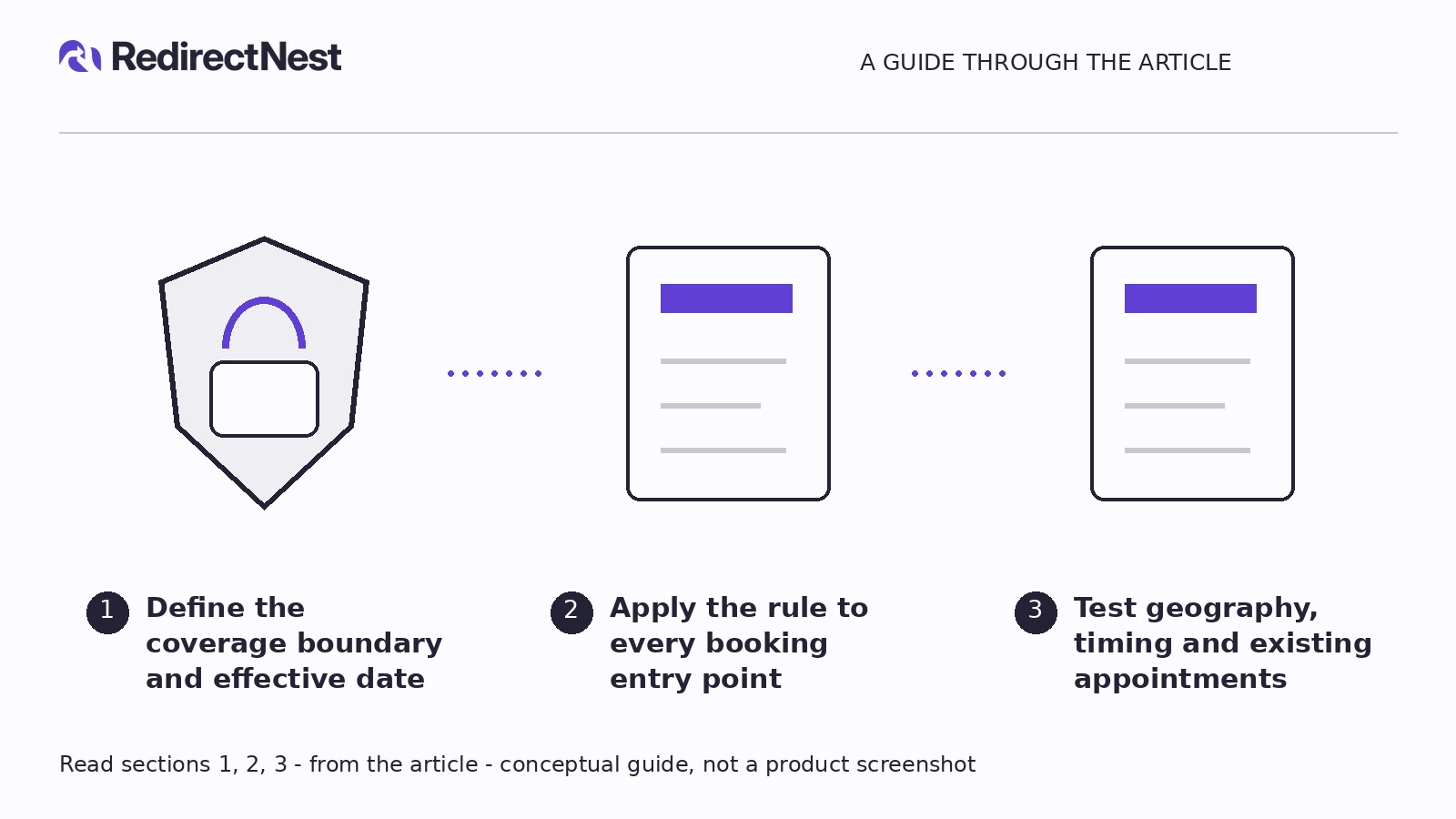
Define the coverage boundary and effective date
Have the service owner approve a coverage record before changing settings. Check the service address, not the billing address, visitor location or nearest branch.
In a working spreadsheet, record the country, postal code or precise address boundary, affected service, eligibility outcome, effective timestamp and time zone, and approving owner. Use three outcomes: covered, excluded or manual review.
Postal codes that straddle the boundary need address-level decisions. Uncertain addresses must not default to covered.
Specify whether the cutoff follows request submission or appointment time. Also decide how to handle pending requests, rescheduling and address changes.
A hypothetical coverage decision
This invented US example assumes all four postal codes were previously covered:
- Effective time: New submissions from 1 July 2027 at 09:00 UTC follow revised coverage; appointment date does not determine eligibility.
- Coverage: 41001 and 41002 remain covered; 41003 is excluded; 41004 needs address-level review. Unlisted addresses remain unconfirmed.
- Pending requests: Retain submission-time coverage but need staff approval.
- Rescheduling and address changes: Changes after the cutoff require review under revised coverage, without automatically cancelling accepted appointments.
These are illustrative business decisions, not recommended areas or universal booking rules. Record any service-specific exceptions explicitly.
Apply the rule to every booking entry point
Inventory signed-out desktop and mobile journeys through service pages, location pages, forms and embeds. Add provider-hosted links from old emails, advertisements and social profiles: direct provider links may bypass WordPress entirely.
For each route, record its URL or placement, form/provider, configuration owner, current confirmation behavior, chosen control, test evidence and unresolved issues.
Choose a control the route actually supports
Consult the installed tool’s documentation. Where supported, enforce geographic eligibility where appointments are accepted, not just by hiding a browser button. Verify that changing the address before submission triggers a fresh decision. Embeds and provider-hosted pages may need separate settings.
If geographic controls are unavailable, use a genuinely unconfirmed request workflow. The record must stay pending, customer and staff messages must say so, and a named reviewer must check the address before acceptance. Keep payment collection and confirmation automation off until approval.
Renaming a button “Request an appointment” does not change its behavior. If neither restriction nor pending review is supported, ask the provider administrator to suspend new bookings through that route while preserving accepted records. Hiding an embed does not disable shared links.
A hypothetical booking-route record
These are invented observations, not test evidence or claims about a particular provider:
- Route: Provider-hosted booking page linked in an old email.
- Expected: Postal code 41003 cannot receive a new automatic confirmation after the cutoff.
- Illustrative result: The embed rejects 41003, but the direct page creates a confirmed booking.
- Owner and action: The booking-account administrator requests suspension of new confirmations on that route; unsupported controls go to provider support. Accepted appointments remain unchanged.
- Required retests: 41003 stays blocked or unconfirmed; 41001 passes geographic eligibility and proceeds to ordinary availability checks.
A suspension request is not proof that confirmations have stopped. A fully suspended route also blocks retained customers; test a compliant restriction or pending-review workflow for both areas before reopening.
Remove contradictory coverage claims from location pages, booking instructions and message templates. Show the effective date where relevant. For review routes, state that the request is unconfirmed and needs an address check—but only if the workflow actually behaves that way.
Test geography, timing and existing appointments
Use a sandbox or provider-approved test procedure with business-controlled contacts, isolated notifications, and payments and dispatches disabled. A staging page can still embed a live booking account. If safe testing is unavailable, stop and arrange it with the provider.
Test every recorded route
Set expected outcomes before submitting:
- Retained address: Passes geographic eligibility and proceeds to normal availability checks.
- Excluded address: Creates no confirmed appointment; any review status and messages remain clearly unconfirmed.
- Boundary or incomplete address: Requires sufficient detail or manual review.
- Changed address before submission: Switching from retained to excluded does not preserve earlier eligibility.
Inspect the customer screen, booking status, staff notifications, calendar and downstream records. A warning is not a pass if a confirmed appointment still appears.
Check the cutoff and pending requests
Ask the provider for a safe way to reproduce timing cases. Do not assume scheduled eligibility changes or time simulation are supported. If scheduled changes are unavailable, plan a manual cutover with automatic acceptance paused.
For the hypothetical policy, record these expectations:
- A 41003 request submitted before the cutoff for a later appointment follows prior coverage. If pending, it still needs approval.
- A 41003 submission at or after the cutoff cannot be automatically confirmed.
- Pending requests are not bulk-confirmed or rejected merely because settings changed.
- Post-cutoff rescheduling and service-address edits require review under revised coverage, not silent cancellation.
Test against your approved policy, which may differ from this example. Mark cases the provider cannot safely reproduce as unverified.
Protect accepted appointments and close the handoff
Identify accepted appointments in affected areas in an access-controlled record. Assign each to an owner for an explicit decision and approved customer communication. Do not silently cancel, relocate or reclassify them. This operational plan does not determine contractual obligations.
After deployment, repeat safe checks against public routes and save dated results. The oldest shared link is a useful first check, not sufficient sign-off. Complete the handoff against these conditions:
KEEP THE NEXT STEP SIMPLE
See how RedirectNest fits.
Compare the editions, explore the workflow and choose what your website needs.