
Catalog management
Keep a Discontinued Product Page Without Misleading Shoppers
Use a hypothetical product-page redesign to preserve model-specific support, explain successor differences and document ordering checks before owner approval.

Published
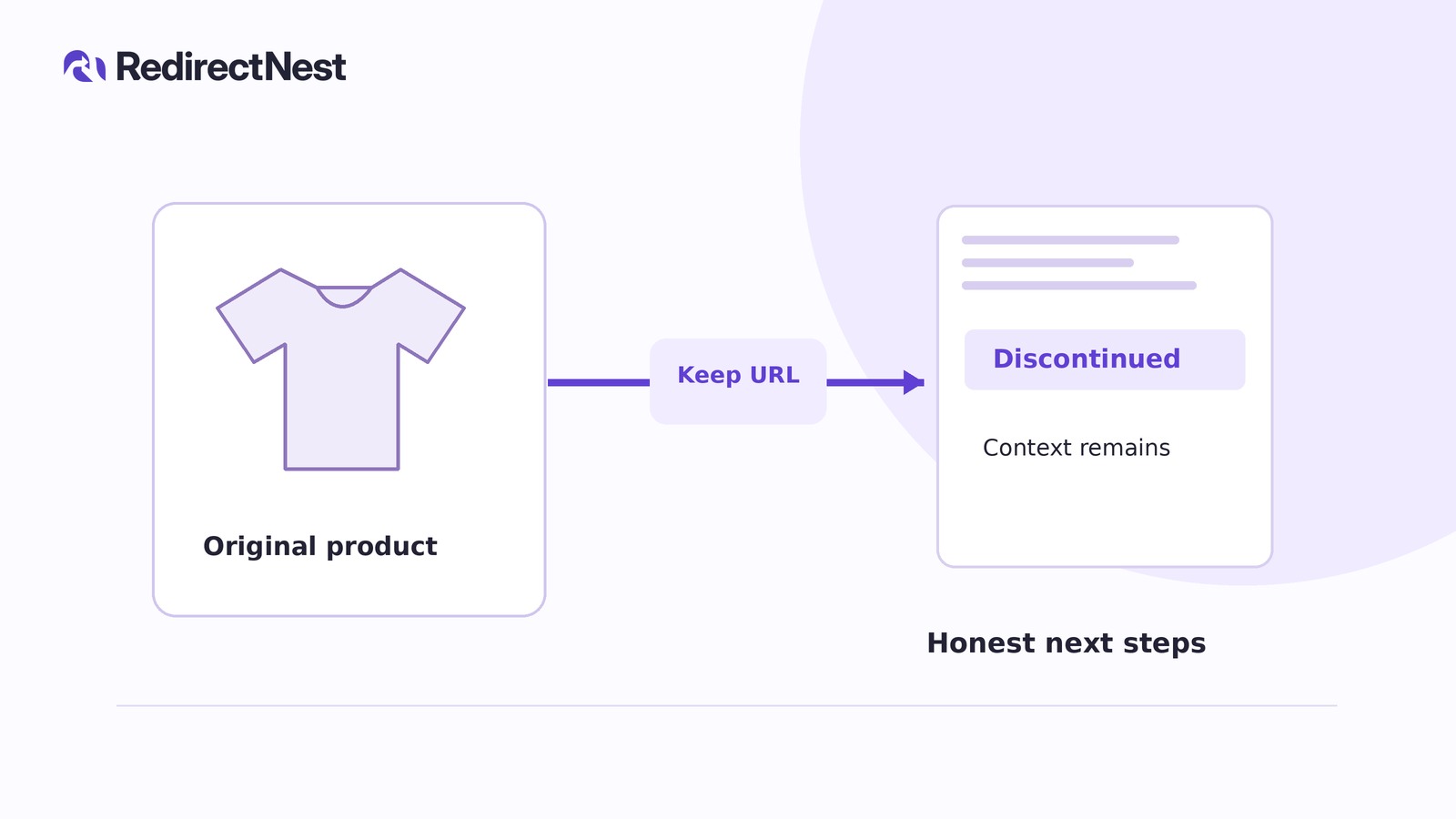
Keep the discontinued product page at its existing URL when owners still need model-specific documentation and the successor is not interchangeable. Make retirement explicit, separate owner support from current buying options and block new orders through store settings—not just a notice or hidden button.
Fix the facts before changing the page
Consider a hypothetical catalog: Model A is retired, but its page at /products/model-a/ still allows orders. Model B is sold at /products/model-b/. Assume the business has verified Model A manuals and a parts guide, and its documentation confirms that Model B replacement parts do not fit Model A.
An owner following an old receipt needs Model A guidance. A shopper needs current buying options, without being told that “newer” means “interchangeable.”
For your real page, verify model identifiers, document revisions and compatibility claims against product records. If compatibility is uncertain, leave it unconfirmed rather than recommending a part.
Back up product content, documentation you control and relevant store settings. Work on staging, a non-live test copy of your store. Create a cart containing Model A before changing availability settings, and keep it for the later checkout test.
Replace the sales layout with two clear routes
Before: the retired model still looks available
Imagine the original layout still shows:
- Model A title and photo.
- A price, sale badge, delivery promise and purchase button.
- Manuals buried below sales copy.
- “Upgrade to Model B” with no parts warning.
Removing one button would not remove the other signals that Model A is for sale.
After: a support-focused page with a shopper route
For this hypothetical page, keep the URL and arrange the content like this:
Title: Model A — discontinued.
Notice: “Model A is discontinued and is no longer available to order from this store. This page remains available for Model A manuals and parts guidance.”
Owner route: “Already own Model A? Confirm the model identifier on your item before choosing a document or part.”
Put verified documents here under labels such as “Model A user manual” and “Model A parts guide.” Include versions or serial ranges only where records support them. Do not imply continued parts availability without confirmation.
Shopper route: “Looking for a current model? View Model B specifications. Model B replacement parts do not fit Model A; do not select them for Model A repairs.”
Point that specifications link at the hypothetical /products/model-b/ page. Avoid “direct replacement” wording: shoppers should compare specifications, not infer equivalence from a newer model name.
Keep photos and original specifications that help identify Model A. Remove sale badges and dispatch promises; remove obsolete pricing unless it has a clearly labeled historical purpose.
Check template-generated labels and recommendations too. Ask the maintainer to change misleading output you cannot edit in the product content.
Make store settings enforce the retirement
Treat “discontinued” as page wording, not a special stock status you can assume every store provides.
Identify what controls availability for this product. Backorders are orders accepted when available stock is insufficient.
- Stock managed by quantity: Set the quantity offered for sale to zero and disallow backorders.
- Stock not managed by quantity: Use the applicable out-of-stock control.
Have the maintainer confirm the actual controls if your store behaves differently.
For variations, check which stock and backorder settings come from the parent product and which are set separately. Do not assume a parent-level change covers every variation.
Block orders for every retired variation without disabling options still sold. If only some variations are retired, name those options in the notice rather than labeling the whole model discontinued.
Settings and hidden buttons are not proof that every purchasing route is blocked. Test actual behavior on staging; ask the maintainer to resolve any route that still accepts an order for a retired item.
Update sales links without removing support access
If a placement presents Model A as available, rewrite it for a suitable current option or remove the promotion. Do not automatically send every sales link to Model B.
If a link supports identification, ownership or historical reference, retain the Model A destination.
Keep the support page public. After any catalog-visibility change, verify both signed-out direct access and a deliberate support-index route, such as “Model A — discontinued: manuals and parts guidance.” Taking an item off sale should not remove owners’ access to its documentation.
Preserve Model A files and their working URLs; do not overwrite them with Model B documents. For externally hosted documents, record who is responsible for maintaining access.
Test both journeys on staging
Run these checks manually on staging, using the store’s established test-payment setup for purchasing attempts. Record the date, route tested and result in your review notes.
Assemble the approval handoff
Send the responsible owner one review package: the staging preview, proposed content and settings changes, compatibility sources, and dated test results. Any route that still permits a new order containing a retired item blocks sign-off. So does an unintended restriction on variations meant to remain orderable.
After owner approval and authorized publication, recheck the live page, support route, downloads and visible ordering availability without placing a real order. These observations are not a completed live checkout test.
Keep live observations separate from staging results, and ask the maintainer to resolve any stale cached sales content before closing the task.
KEEP THE NEXT STEP SIMPLE
See how RedirectNest fits.
Compare the editions, explore the workflow and choose what your website needs.